
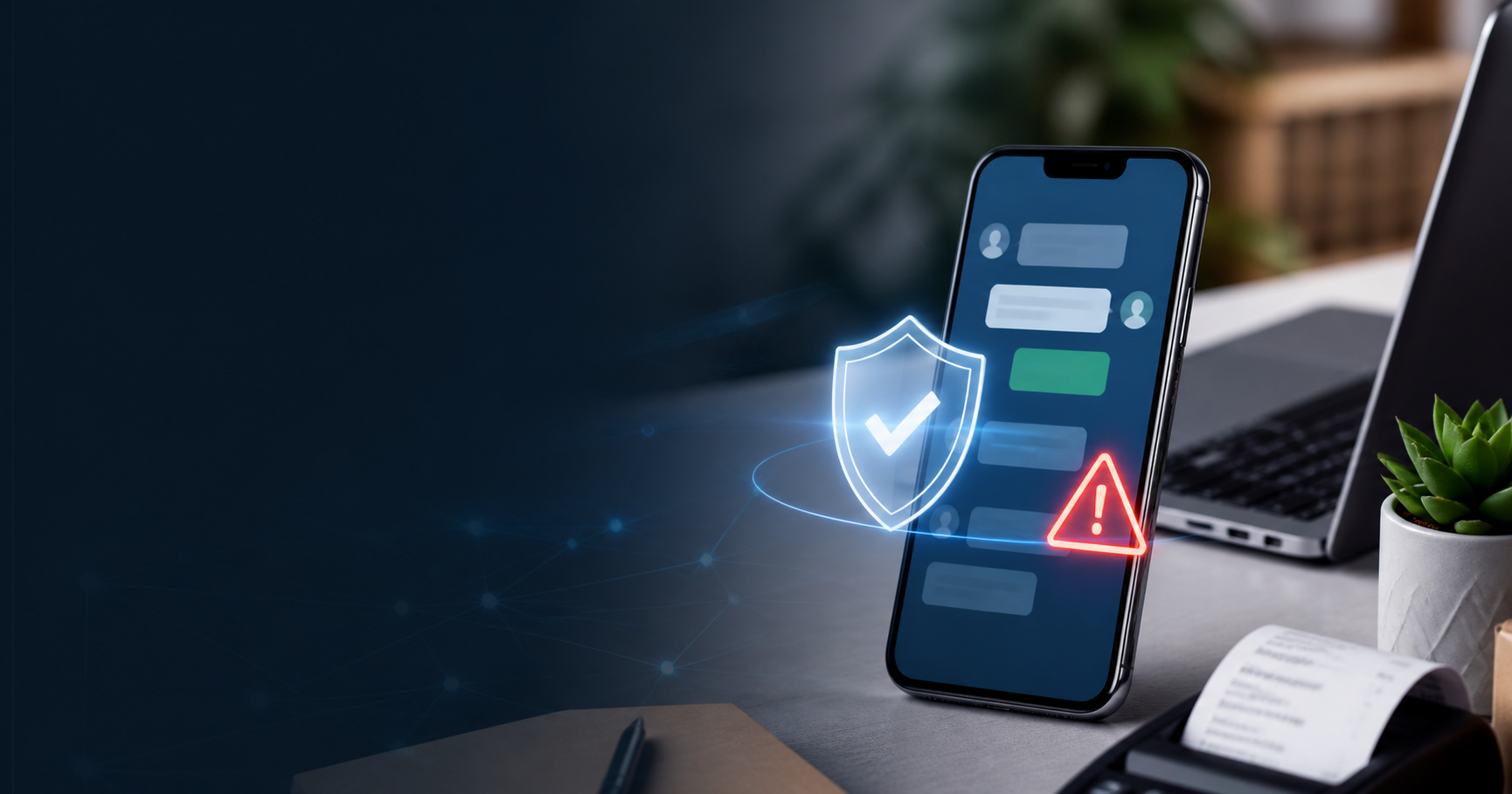
WhatsApp is testing on-device AI scam screening. Here is what the update means for OTP users, Nigerian online sellers, and anyone receiving verification messages.
On August 13, 2026, The Verge reported that Meta is testing a new WhatsApp Scam Alert feature that uses on-device machine learning to warn users when a conversation looks suspicious. For anyone who depends on OTP messages, WhatsApp Business, Telegram communities, social sales, or online support chats, this is an important signal: messaging platforms are treating scams as a core product-security problem, not just a user-education issue.
What changed
The reported feature is designed to show a private warning inside a suspicious chat. A user can then decide whether to block, report, continue, or mark the conversation as trusted. The key point is that scam detection is becoming more proactive. Instead of waiting for users to lose money or expose an OTP, platforms are trying to flag risky conversations earlier.
This matters because many account takeovers begin with a simple message. A scammer may pretend to be a buyer, customer support agent, delivery worker, recruiter, group admin, or platform staff member. The goal is usually the same: make the victim reveal a verification code, approve a device link, click a phishing link, or move a conversation to a less secure channel.
Why OTP users should care
OTP codes are useful because they prove access to a phone number at a specific moment. They are not meant to be shared with another person. If someone asks you to read out a code, screenshot a code, forward a code, or enter a code on a page they sent, treat that as a high-risk action.
For Nigerian online sellers, this warning is especially practical. Sellers often handle orders on WhatsApp, receive payment confirmations, support customers, and join vendor groups. That heavy messaging activity creates openings for impersonation and social engineering.
Practical takeaways
- Never share OTP codes or device-linking codes with anyone in chat.
- Use two-step verification on messaging and email accounts where available.
- Keep customer support conversations inside official channels when possible.
- Separate personal numbers from business verification and public contact workflows.
- Pause before acting on urgent messages about account suspension, failed delivery, refunds, or surprise payments.
Where BillioPlus fits
BillioPlus helps users access virtual numbers for legitimate SMS verification, testing, and privacy-conscious workflows. That does not replace good security behavior. A virtual number can reduce exposure of your main SIM, but it cannot protect an account if a user voluntarily gives a code to a scammer.
The safer approach is layered: protect your main number, use verification numbers responsibly, avoid sharing OTPs, and treat unexpected code requests as suspicious by default.
Sources
Tags
Chinedu Celestine Okpala
BillioPlus Team · Content & Guides