
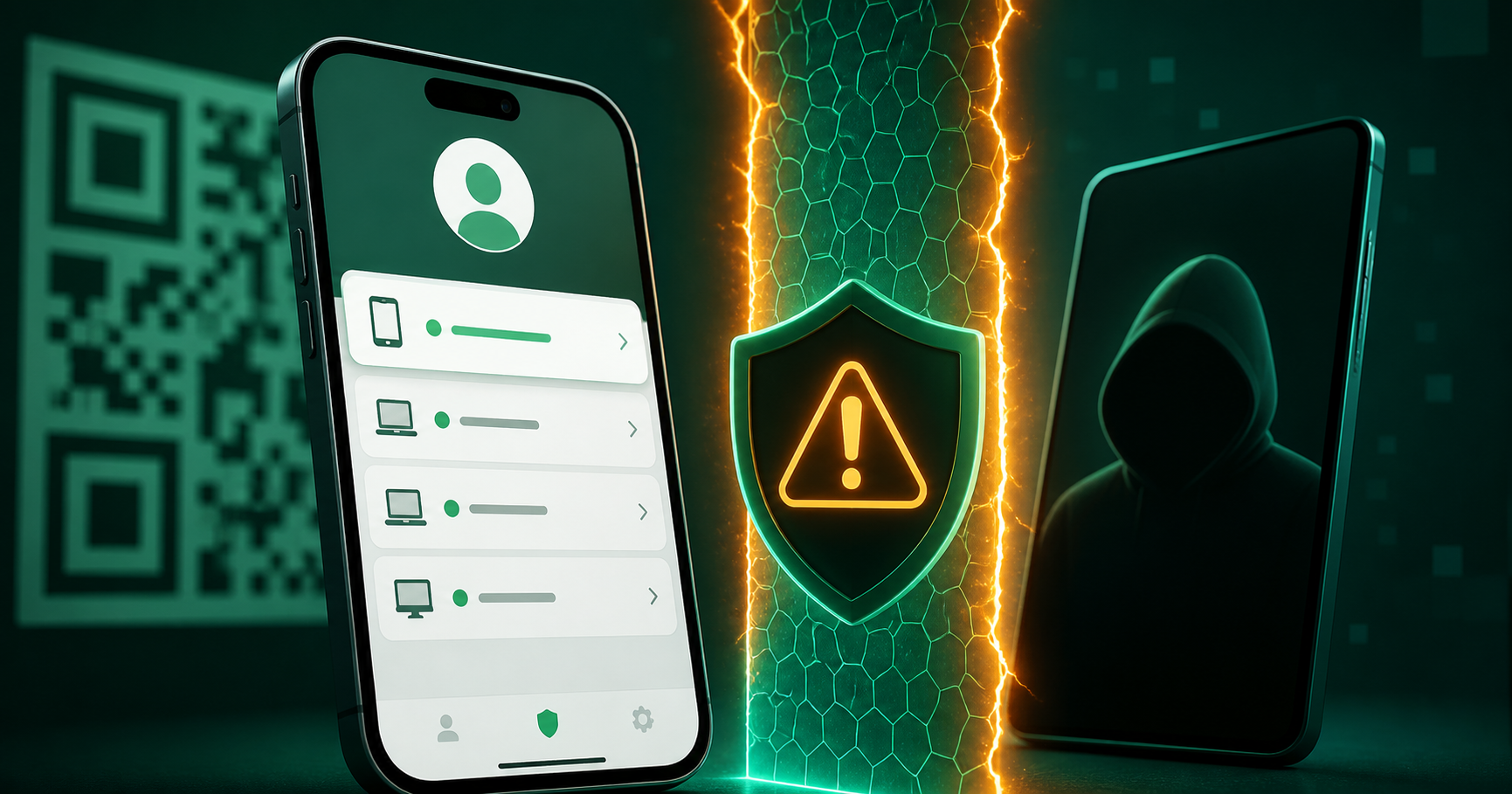
Linked-device scams can hand attackers a live messaging session. WhatsApp users and sellers should review devices, avoid QR traps, and protect recovery numbers.
Linked-device scams keep targeting messaging users because they are simple and effective. A victim scans a QR code or follows a fake setup flow, and the attacker gets access to conversations from another device. Meta has highlighted anti-scam tools and warnings designed to make these attacks harder.
For WhatsApp users, online sellers, and community managers, linked-device security is account security. A stolen session can expose customers, order details, payment conversations, and recovery messages.
How QR login scams work
The scam usually starts with urgency: a fake job, giveaway, customer complaint, business verification request, or support message. The attacker asks the victim to scan a QR code, approve a device link, or follow steps that sound like account verification.
Once linked, the attacker may read conversations, impersonate the user, ask contacts for money, or request OTPs from people who trust the account.
What users should check
Review linked devices regularly and remove anything unfamiliar.
Never scan QR codes sent by strangers or unofficial support accounts.
Enable two-step verification where the app supports it.
Keep business chats separate from personal recovery conversations.
Warn customers that your business will never ask for their verification code.
What sellers should change
Sellers should avoid running public support, private chats, and account recovery on one number. If a public WhatsApp number is compromised, the attacker may use existing trust to request payments or codes from customers.
Keep a recovery checklist: remove linked devices, change passwords for connected email and commerce tools, notify customers through official channels, and report impersonation quickly.
Where BillioPlus fits
BillioPlus helps users receive SMS verification codes online for supported services. It can be useful for privacy-aware setup and testing, but users should not treat a temporary number as permanent recovery for a critical messaging identity.
For business WhatsApp or community accounts, use a number and email you control long term, with two-step verification and documented recovery access.
Conclusion
Linked-device warnings give users a chance to stop QR login scams before a session is handed over. The habit to build is simple: do not scan, do not approve, and review linked devices often.
Source: Meta anti-scam tools update and WhatsApp linked devices guidance.
Tags
Chinedu Celestine Okpala
BillioPlus Team · Content & Guides